メインコンテンツへスキップ
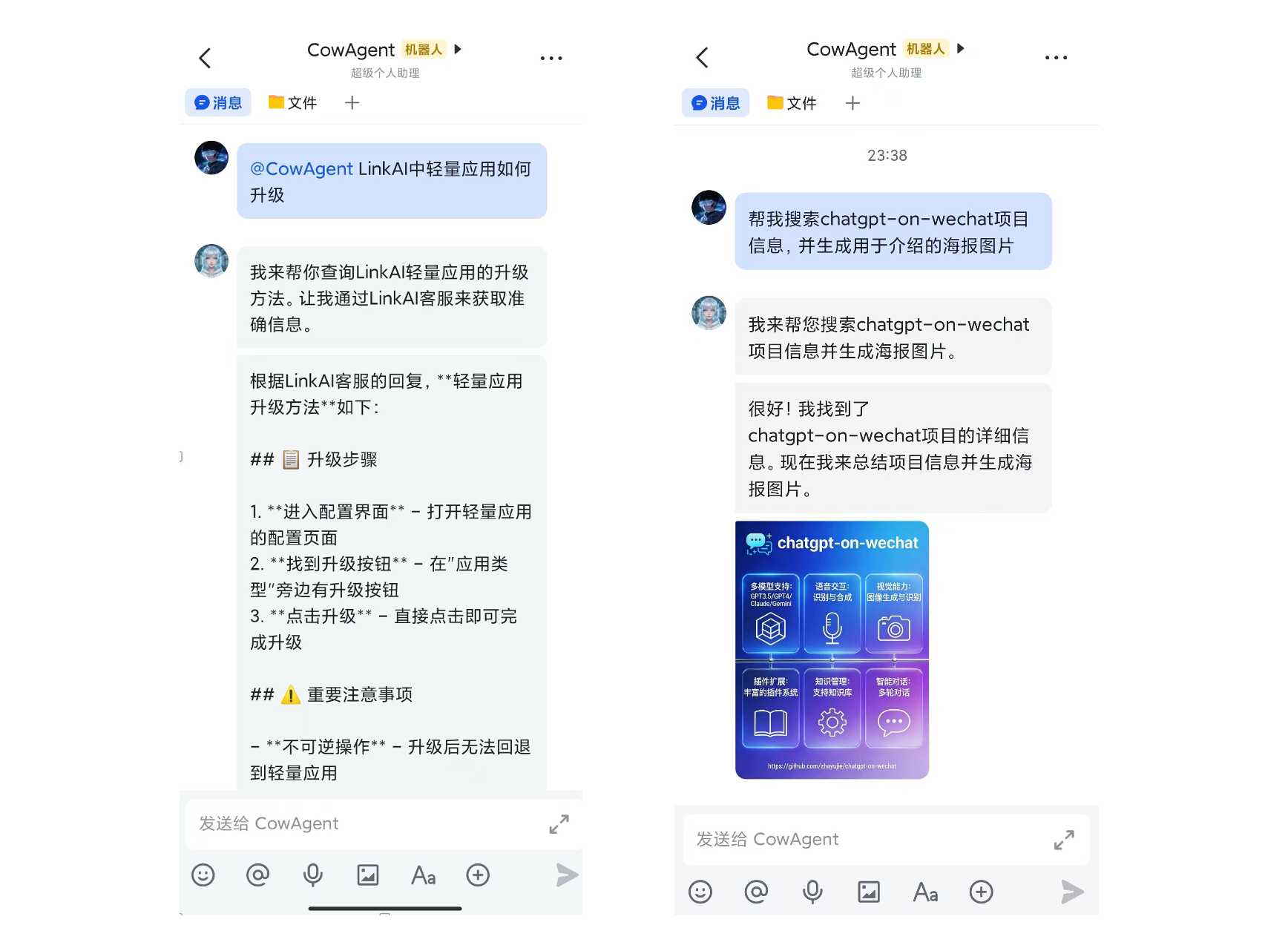
LinkAI プラットフォームの Agent を Skill として使用し、マルチ Agent の意思決定を行います。Agent は Agent 名と説明に基づいてインテリジェントに選択し、app_code を通じて対応するアプリケーションやワークフローを呼び出します。

依存関係

依存関係説明
LINKAI_API_KEYLinkAI プラットフォームの API キー。コンソールで作成
curlシステムコマンド(通常プリインストール済み)
設定方法:
  • env_config Tool で LINKAI_API_KEY を設定
  • または config.jsonlinkai_api_key を設定

Agent の設定

skills/linkai-agent/config.json で利用可能な Agent を追加します:
{
  "apps": [
    {
      "app_code": "G7z6vKwp",
      "app_name": "LinkAI Customer Support",
      "app_description": "Select this assistant only when the user needs help with LinkAI platform questions"
    },
    {
      "app_code": "SFY5x7JR",
      "app_name": "Content Creator",
      "app_description": "Use this assistant only when the user needs to create images or videos"
    }
  ]
}

使い方

設定が完了すると、Agent はユーザーの質問に基づいて適切な LinkAI Agent を自動的に選択します。