
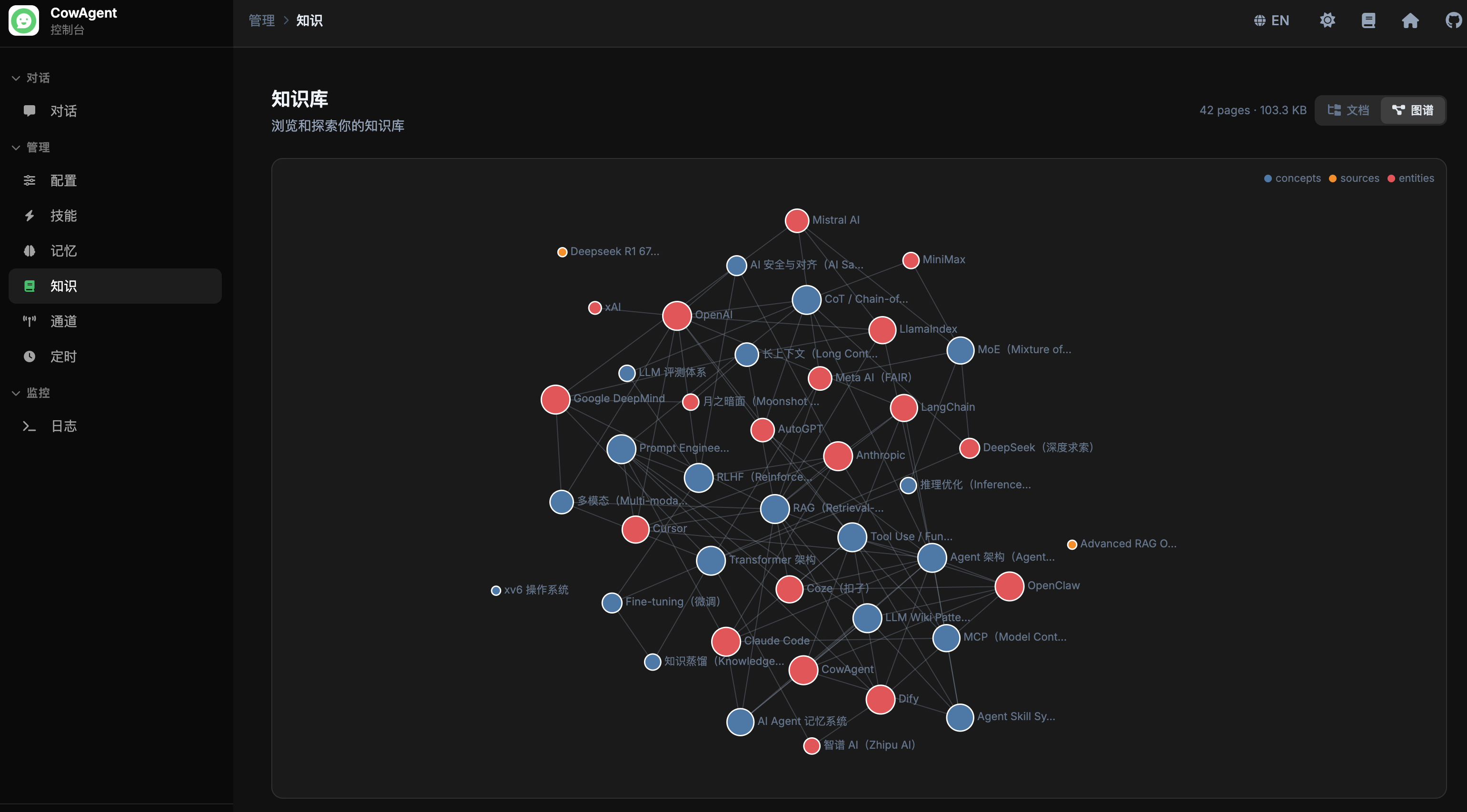
knowledge/ directory within the workspace. Unlike memory, which is organized by timeline, the knowledge base organizes content by topic — articles, conversation insights, and learning materials are structured into interlinked Markdown pages, forming a continuously growing knowledge network.
Core Concepts
Knowledge vs Memory
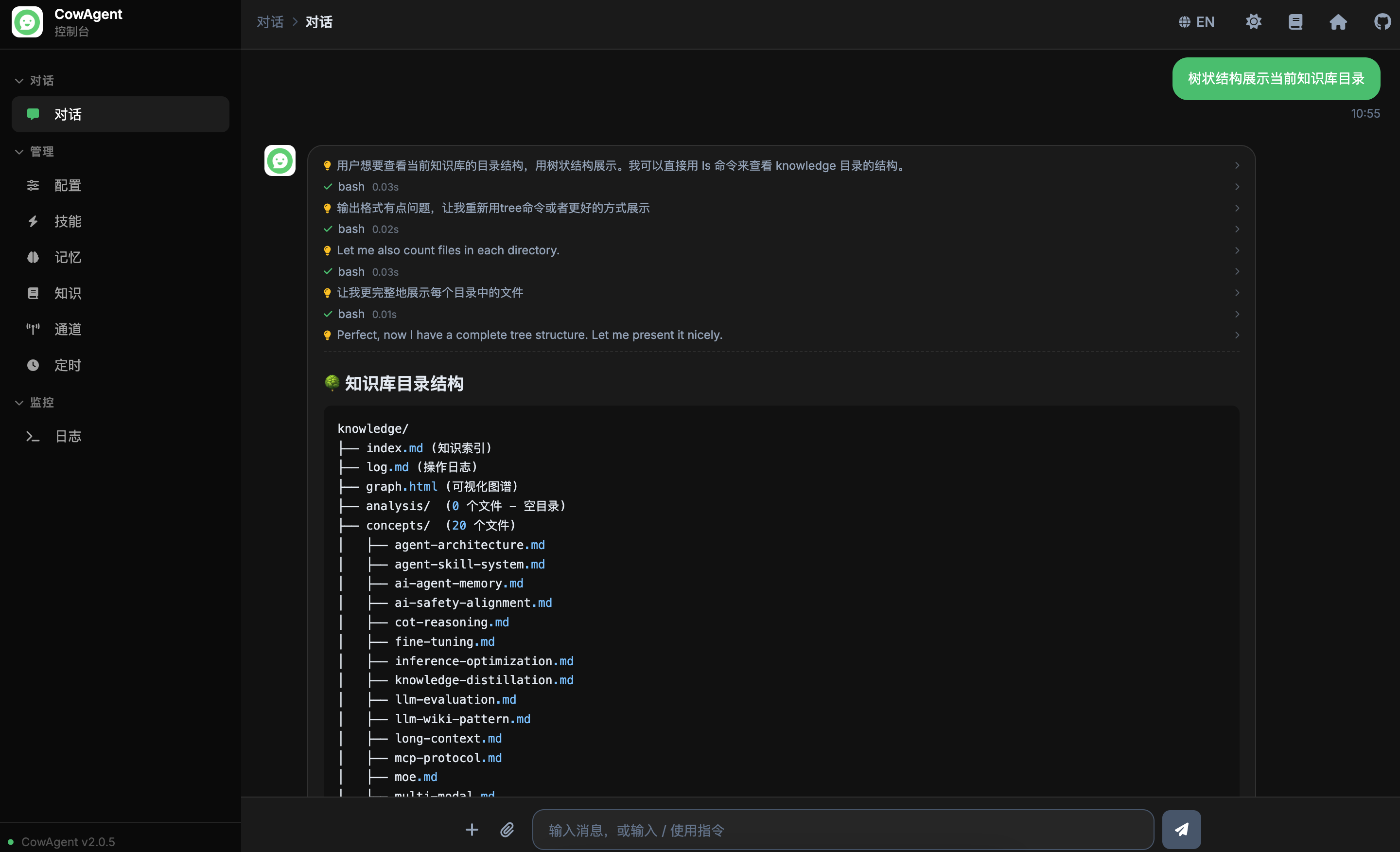
Directory Structure
Automatic Organization
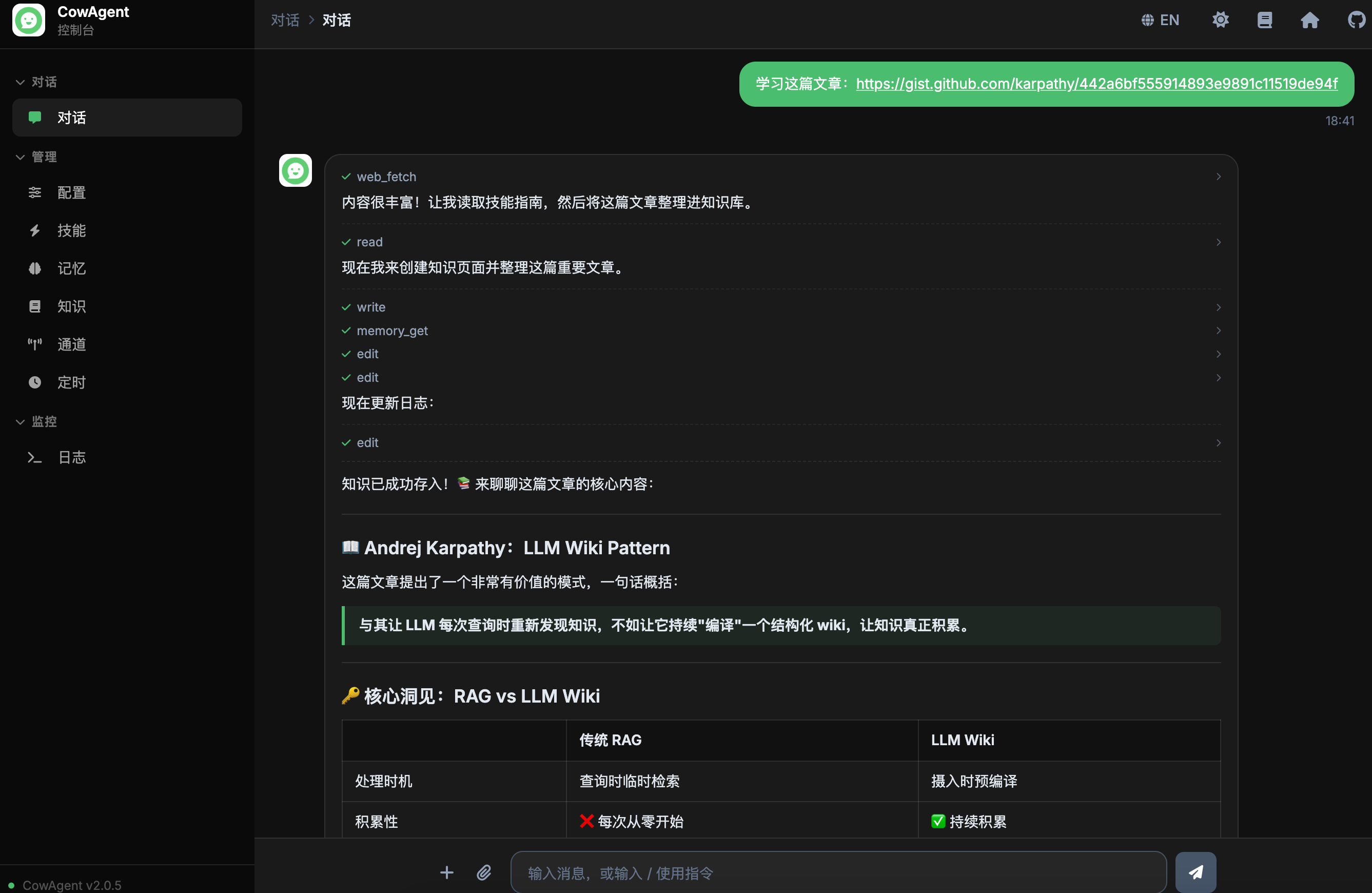
Knowledge writing is an autonomous Agent behavior, triggered in these scenarios:- User shares an article or document — The Agent automatically extracts key information and creates a structured knowledge page
- Conversation produces valuable conclusions — The Agent organizes insights into knowledge pages and links them to existing knowledge
- User explicitly requests organization — Users can guide the Agent to organize and update knowledge through conversation
Knowledge Retrieval
The Agent can retrieve knowledge during conversation through:- Index lookup — Quickly locate relevant pages via
knowledge/index.md - Semantic search — Search knowledge content via the
memory_searchtool - Direct read — Read specific knowledge files via the
memory_gettool
Web Console
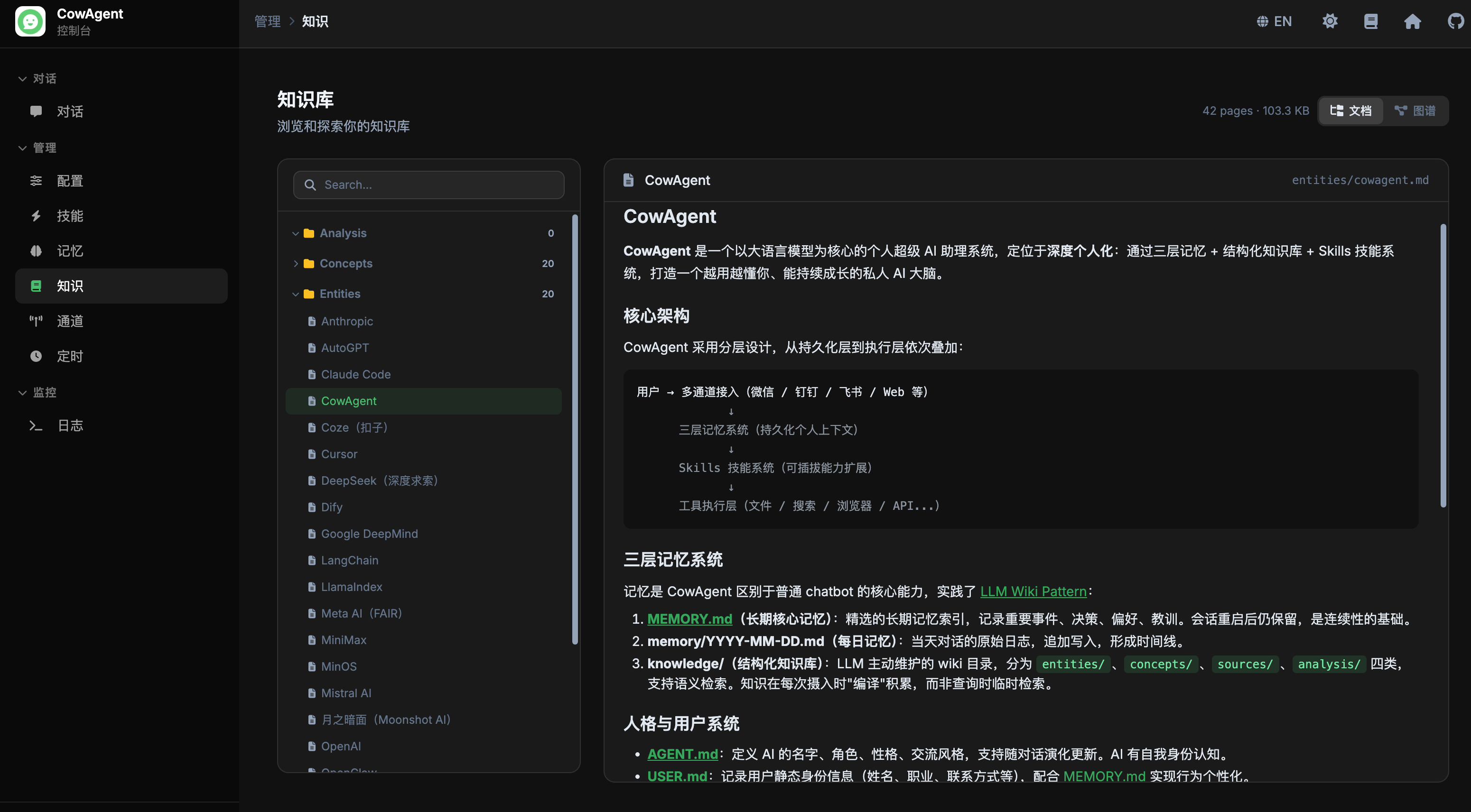
The web console provides a dedicated “Knowledge” module with:- Document browsing — Tree-style directory structure, searchable and collapsible, click to view content
- Knowledge graph — Interactive graph visualizing relationships between knowledge pages
- Chat integration — Knowledge document links referenced in Agent replies are clickable for direct navigation
CLI Commands
Manage the knowledge base with the/knowledge command: